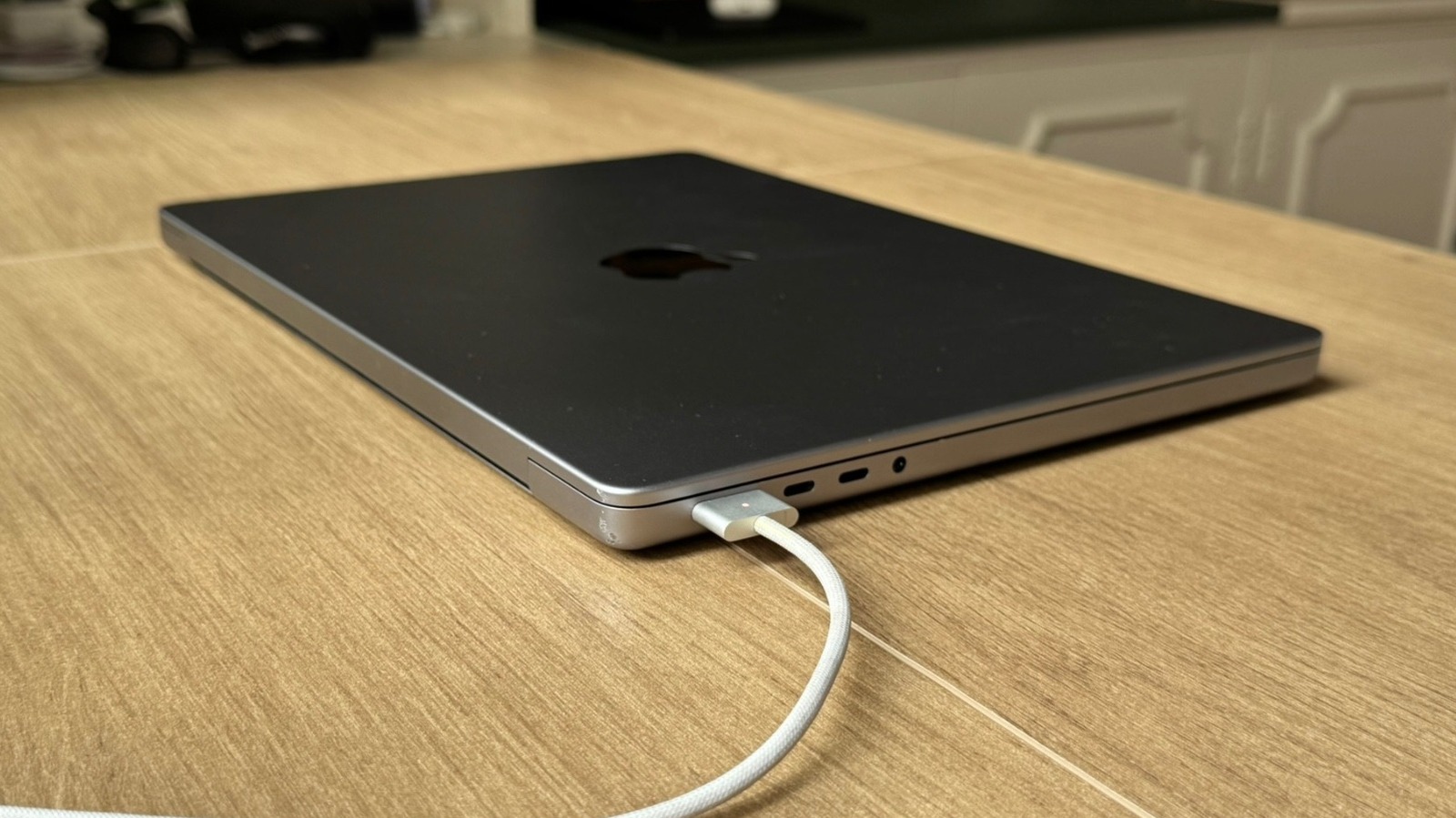
The Apple MacBook Pro has solidified its reputation as a powerhouse for both professional productivity and personal entertainment. Since the transition to M-series silicon, these laptops have set new benchmarks for efficiency, with some models offering up to 24 hours of video playback. However, even with such impressive baseline specs, the way a user interacts with their device significantly impacts how long a single charge actually lasts. To truly maximize the portable nature of the MacBook Pro, users must adopt a combination of smart software habits and hardware care.
What happened
Maximizing battery performance is not just about the internal hardware; it involves active management of the apps and peripherals that drain energy. One of the most immediate ways to improve runtime is by monitoring the battery icon in the menu bar, which identifies which applications are consuming the most power. Web browsers are often the primary culprits. While Google Chrome is widely popular, its architecture creates a separate process for every open tab, leading to faster battery depletion.
Transitioning to Apple’s native Safari browser can provide a significant boost in efficiency, as it is specifically optimized for macOS. For those who require a Chromium-based experience, Microsoft Edge offers a balanced middle ground, providing better energy management than Chrome while maintaining a familiar interface. Beyond software choice, physical maintenance plays a vital role. Using a MacBook on soft surfaces like blankets or beds can obstruct airflow, causing the machine to run hotter and forcing the internal fans to work harder, which further drains the battery.
Context
While the MacBook Pro is designed for high-performance tasks, many of its default settings are geared toward visual fluidness rather than energy conservation. For example, the ProMotion technology allows for a 120Hz refresh rate, providing incredibly smooth scrolling. However, users can manually cap the refresh rate at 60Hz within the display settings to save energy on days when longevity is more important than visual flair.
Similarly, the brightness of the screen and the keyboard backlight are significant power draws. Reducing the display brightness even by a small percentage can add significant time to a session. In well-lit environments, the keyboard backlight is often unnecessary and can be turned off entirely. Software updates also play a critical role in the broader context of battery health. Apple frequently releases macOS updates that include energy-efficiency patches and bug fixes. Staying current with the latest operating system ensures the hardware is running the most optimized code available, which is particularly relevant as Apple prepares to integrate more advanced AI capabilities into the Siri ecosystem.
Why it matters
For the modern professional, the MacBook Pro is often a mobile office. The ability to work through long flights, commutes, or meetings without searching for a power outlet is a primary selling point of the device. Implementing these power-saving strategies does more than just extend the current session; it protects the long-term health of the lithium-ion battery. Heat is the greatest enemy of battery longevity, so maintaining proper airflow and reducing the load on the processor helps prevent the chemical degradation of the battery cells over time.
Furthermore, features like Low Power Mode and customized “Turn off display” timers in the Lock Screen settings ensure that no energy is wasted when the machine is idle. By taking a proactive approach to energy management—balancing the demands of high-performance apps with the necessity of endurance—users can ensure their MacBook Pro remains a reliable tool for years to come, maintaining its value and its utility as a truly portable workstation.